
一个比较简单的域名托管前端页面,有一个比较直观的用户界面+实时的数据展示+操作功能按键。
利用HTML5、CSS3和JavaScript实现的域名托管前端页面,功能包括列表展示、搜索过滤、批量操作、域名详细信息等,开发之中,我注重用户体验和响应式设计,其它的可能略显粗陋。
1. 基础HTML结构
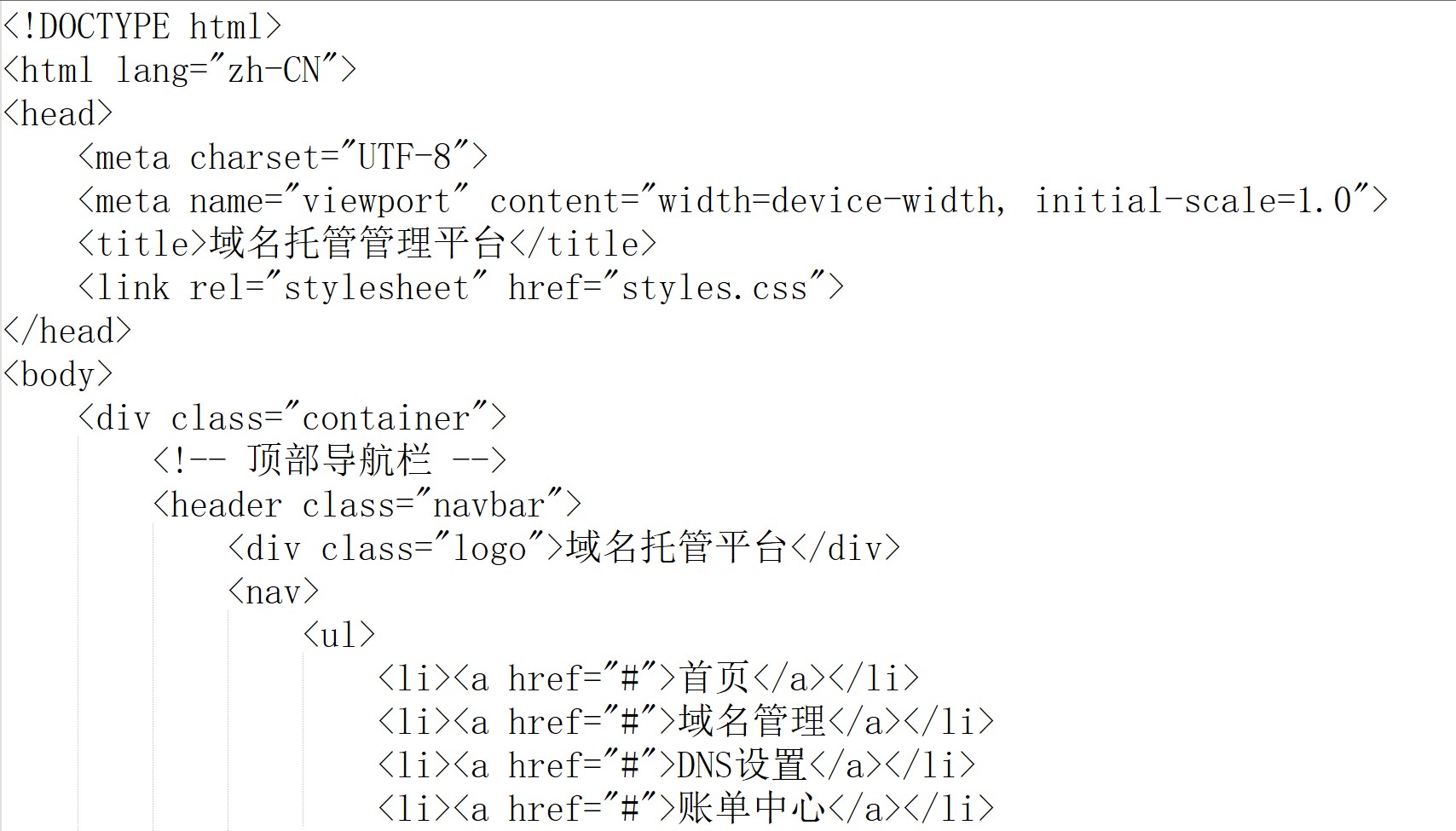
<!DOCTYPE html>
<html lang="zh-CN">
<head>
    <meta charset="UTF-8">
    <meta name="viewport" content="width=device-width, initial-scale=1.0">
    <title>域名托管管理平台</title>
    <link rel="stylesheet" href="styles.css">
</head>
<body>
    <div class="container">
        <!-- 顶部导航栏 -->
        <header class="navbar">
            <div class="logo">域名托管平台</div>
            <nav>
                <ul>
                    <li><a href="#">首页</a></li>
                    <li><a href="#">域名管理</a></li>
                    <li><a href="#">DNS设置</a></li>
                    <li><a href="#">账单中心</a></li>
                </ul>
            </nav>
            <div class="user-info">
                <span>欢迎,admin</span>
                <button>退出</button>
            </div>
        </header>

        <!-- 主要内容区域 -->
        <main>
            <!-- 搜索和筛选区域 -->
            <section class="search-section">
                <input type="text" placeholder="搜索域名..." id="domainSearch">
                <select id="statusFilter">
                    <option value="all">所有状态</option>
                    <option value="active">正常</option>
                    <option value="expired">已过期</option>
                    <option value="pending">待审核</option>
                </select>
                <button class="btn-primary">添加域名</button>
            </section>

            <!-- 域名列表 -->
            <section class="domain-list">
                <table>
                    <thead>
                        <tr>
                            <th><input type="checkbox" id="selectAll"></th>
                            <th>域名</th>
                            <th>注册商</th>
                            <th>到期时间</th>
                            <th>状态</th>
                            <th>操作</th>
                        </tr>
                    </thead>
                    <tbody id="domainTableBody">
                        <!-- 动态生成的域名数据 -->
                    </tbody>
                </table>
            </section>
        </main>
    </div>
    <script src="app.js"></script>
</body>
</html>
2. CSS样式设计
/* 全局样式重置 */
* {
    margin: 0;
    padding: 0;
    box-sizing: border-box;
}

body {
    font-family: 'Microsoft YaHei', Arial, sans-serif;
    background: #f5f5f5;
}

/* 容器样式 */
.container {
    max-width: 1400px;
    margin: 0 auto;
    padding: 20px;
}

/* 导航栏样式 */
.navbar {
    background: linear-gradient(135deg, #667eea 0%, #764ba2 100%);
    color: white;
    padding: 20px 40px;
    display: flex;
    justify-content: space-between;
    align-items: center;
    border-radius: 8px;
    margin-bottom: 30px;
    box-shadow: 0 4px 6px rgba(0,0,0,0.1);
}

.navbar nav ul {
    display: flex;
    list-style: none;
    gap: 30px;
}

.navbar nav a {
    color: white;
    text-decoration: none;
    font-weight: 500;
    transition: all 0.3s;
}

.navbar nav a:hover {
    opacity: 0.8;
}

/* 搜索区域样式 */
.search-section {
    background: white;
    padding: 25px;
    border-radius: 8px;
    margin-bottom: 20px;
    display: flex;
    gap: 15px;
    align-items: center;
    box-shadow: 0 2px 4px rgba(0,0,0,0.05);
}

.search-section input,
.search-section select {
    padding: 10px 15px;
    border: 1px solid #ddd;
    border-radius: 4px;
    font-size: 14px;
}

.search-section input {
    flex: 1;
    min-width: 300px;
}

/* 按钮样式 */
.btn-primary {
    background: linear-gradient(135deg, #667eea 0%, #764ba2 100%);
    color: white;
    border: none;
    padding: 10px 25px;
    border-radius: 4px;
    cursor: pointer;
    font-weight: 600;
    transition: all 0.3s;
}

.btn-primary:hover {
    transform: translateY(-2px);
    box-shadow: 0 4px 8px rgba(102, 126, 234, 0.3);
}

/* 表格样式 */
.domain-list table {
    width: 100%;
    background: white;
    border-radius: 8px;
    overflow: hidden;
    box-shadow: 0 2px 4px rgba(0,0,0,0.05);
}

.domain-list thead {
    background: #667eea;
    color: white;
}

.domain-list th,
.domain-list td {
    padding: 15px 20px;
    text-align: left;
    border-bottom: 1px solid #eee;
}

.domain-list tbody tr:hover {
    background: #f8f9fa;
}

/* 状态标签样式 */
.status-badge {
    padding: 4px 12px;
    border-radius: 20px;
    font-size: 12px;
    font-weight: 600;
}

.status-active {
    background: #d4edda;
    color: #155724;
}

.status-expired {
    background: #f8d7da;
    color: #721c24;
}

.status-pending {
    background: #fff3cd;
    color: #856404;
}

/* 响应式设计 */
@media (max-width: 768px) {
    .navbar {
        flex-direction: column;
        gap: 15px;
    }

    .search-section {
        flex-direction: column;
    }

    .search-section input {
        min-width: 100%;
    }
}
3. JavaScript交互逻辑
// 域名数据模拟
const domainData = [
    { id: 1, domain: 'example.com', registrar: 'GoDaddy', expiry: '2025-12-31', status: 'active' },
    { id: 2, domain: 'mywebsite.cn', registrar: '阿里云', expiry: '2024-06-15', status: 'active' },
    { id: 3, domain: 'testdomain.net', registrar: 'Namecheap', expiry: '2023-11-20', status: 'expired' },
    { id: 4, domain: 'newproject.org', registrar: '腾讯云', expiry: '2026-03-10', status: 'pending' }
];

// 渲染域名列表
function renderDomainList(domains) {
    const tbody = document.getElementById('domainTableBody');
    tbody.innerHTML = '';

    domains.forEach(domain => {
        const row = document.createElement('tr');
        row.innerHTML = `
            <td><input type="checkbox" value="${domain.id}"></td>
            <td><strong>${domain.domain}</strong></td>
            <td>${domain.registrar}</td>
            <td>${domain.expiry}</td>
            <td><span class="status-badge status-${domain.status}">${getStatusText(domain.status)}</span></td>
            <td>
                <button class="btn-sm" onclick="viewDetails(${domain.id})">详情</button>
                <button class="btn-sm btn-edit" onclick="editDomain(${domain.id})">编辑</button>
                <button class="btn-sm btn-delete" onclick="deleteDomain(${domain.id})">删除</button>
            </td>
        `;
        tbody.appendChild(row);
    });
}

// 获取状态文本
function getStatusText(status) {
    const statusMap = {
        'active': '正常',
        'expired': '已过期',
        'pending': '待审核'
    };
    return statusMap[status] || '未知';
}

// 搜索功能
document.getElementById('domainSearch').addEventListener('input', function(e) {
    const searchTerm = e.target.value.toLowerCase();
    const filteredDomains = domainData.filter(domain =>
        domain.domain.toLowerCase().includes(searchTerm)
    );
    renderDomainList(filteredDomains);
});

// 筛选功能
document.getElementById('statusFilter').addEventListener('change', function(e) {
    const status = e.target.value;
    let filteredDomains = domainData;

    if (status !== 'all') {
        filteredDomains = domainData.filter(domain => domain.status === status);
    }

    renderDomainList(filteredDomains);
});

// 全选功能
document.getElementById('selectAll').addEventListener('change', function(e) {
    const checkboxes = document.querySelectorAll('input[type="checkbox"]');
    checkboxes.forEach(checkbox => {
        if (checkbox !== e.target) {
            checkbox.checked = e.target.checked;
        }
    });
});

// 查看详情
function viewDetails(id) {
    const domain = domainData.find(d => d.id === id);
    if (domain) {
        alert(`域名详情:\n域名:${domain.domain}\n注册商:${domain.registrar}\n到期时间:${domain.expiry}\n状态:${getStatusText(domain.status)}`);
    }
}

// 编辑域名
function editDomain(id) {
    const domain = domainData.find(d => d.id === id);
    if (domain) {
        const newRegistrar = prompt('请输入新的注册商:', domain.registrar);
        if (newRegistrar) {
            domain.registrar = newRegistrar;
            renderDomainList(domainData);
            alert('域名信息已更新!');
        }
    }
}

// 删除域名
function deleteDomain(id) {
    if (confirm('确定要删除这个域名吗?')) {
        const index = domainData.findIndex(d => d.id === id);
        if (index !== -1) {
            domainData.splice(index, 1);
            renderDomainList(domainData);
            alert('域名已删除!');
        }
    }
}

// 初始化页面
document.addEventListener('DOMContentLoaded', function() {
    renderDomainList(domainData);
});

// 添加域名功能
document.querySelector('.btn-primary').addEventListener('click', function() {
    const domain = prompt('请输入域名:');
    const registrar = prompt('请输入注册商:');
    const expiry = prompt('请输入到期时间(YYYY-MM-DD):');

    if (domain && registrar && expiry) {
        const newDomain = {
            id: domainData.length + 1,
            domain: domain,
            registrar: registrar,
            expiry: expiry,
            status: 'pending'
        };

        domainData.push(newDomain);
        renderDomainList(domainData);
        alert('域名添加成功!');
    }
});
智能搜索
这个页面是可以进行搜索以及多条件查找域名的,能够很快找到适合自己的域名资料。
状态可视化
通过颜色来进行标签的差异,让域名的状态较为直观的展现。
响应式设计
自适应,浏览器之中打开,应该能很好的适应屏幕尺寸。
总结
其实就是一个简单的,但是功能较多的域名托管前端页面开发示例,主要是HTML结构、CSS样式和JavaScript交互实现,你也可以加入大量自己的域名信息,加入虚拟滚动和分页,添加CSRF保护、XSS防护等。